The buyer is ready, the price is agreed, and then you realise you cannot find the registration code (tenaamstellingscode). Without the complete code the RDW, the Dutch vehicle authority, cannot change the registration into the buyer’s name. The code has a clear replacement route, and which one suits you depends on whether you have DigiD, the Dutch digital login, and on how soon you need the code. The registration code guide explains what the code is. This article walks through the replacement, step by step.
What you are looking for
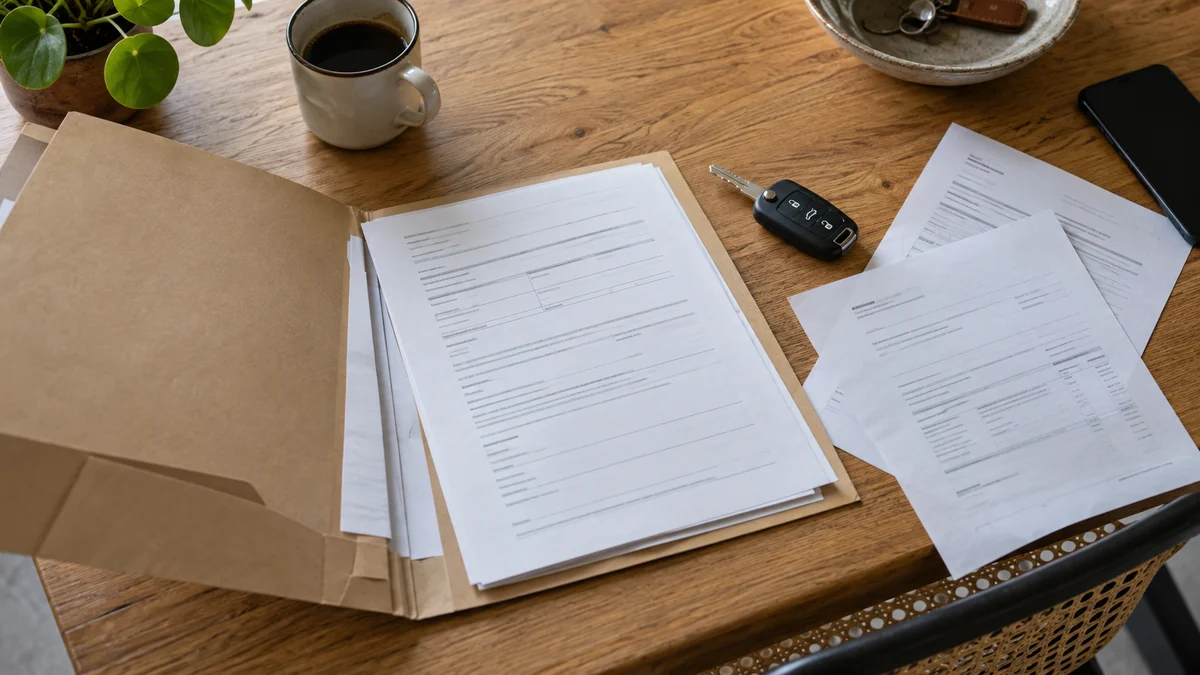
The code has nine digits and comes in two parts. You receive the first part when you buy the car, on the registration report (tenaamstellingsverslag). The second part comes on a letter with the registration card. You join them yourself. The RDW states that you need the code if you wish to sell, trade in, suspend, scrap or export the vehicle, which is why a sale cannot be completed without it. Both parts are on the RDW page about the registration certificate.
Check first whether the code you hold belongs to the card. The RDW has a free online check for the card and the code, and it needs the number plate and the document number from the card. If the card is valid but the code does not match it, the RDW says to order a new code.
Check who is allowed to request it
The vehicle must be registered in your name, or your company name, or you must be the authorised signatory of the company. For a leased or financed car the situation is different. The RDW says that the leasing or finance company receives the code and that only that company can request a new one. If you drive a leased car, contact the company.
You also need the card itself, because the request uses the reporting code (meldcode) from it. The card prints the reporting code, which equals the final four digits of the vehicle identification number. If the card is lost too, start with the lost registration card article, because a new card brings a new code with it.
Route 1: online with DigiD
This is the route for you if the car is in your name and you can log in with DigiD. Companies use eHerkenning, the business equivalent.
- You log in on the RDW website and pay the fee online. The current fee is on rdw.nl.
- The RDW sends you two emails. The second contains a download link, and you might be asked to log in again.
- Save the file when you download it. The link expires after 40 days.
If you have never set DigiD up, check digid.nl first, because the activation has its own steps.
Route 2: by post
Use this route if you have no DigiD or you are applying on behalf of someone else.
- Find the reporting code on the registration card or the registration report.
- Choose the request for the registration code only and pay the fee online.
- The RDW posts the code to the address registered with the municipality (gemeente), or to the company address at the Chamber of Commerce.
The RDW says delivery takes about three to four working days, depending on when you apply, plus the time of the postal service. When five working days pass with no post, the RDW has a page for documents that never arrived.
The address matters here. The code goes to the address the municipality has for you. If you have moved and not yet updated your address, the letter will arrive at the old one. If you are leaving the country soon, apply while you are still registered at the address where you actually live.
Route 3: in person
Counters in Veendam and Zoetermeer and the RDW inspection stations also take requests. Bring the registration card and a valid ID or passport. For a company car you also need a Chamber of Commerce extract that is no more than a year old. The RDW hands you the code on the spot. This route suits you if you have no DigiD and prefer not to wait for the post.
Three things to know before you pay
- A code found the next day does not bring the fee back.
- The old code becomes invalid when you receive a new one. Do not hand out the old number.
- The number plate does not change. Only the code does.
What to do while you wait
You can keep the advert up and tell the buyer what happened. Do not hand over the car in advance, since the transfer needs the code and the car should not leave until you hold the proof of transfer (vrijwaringsbewijs). The buyer completes the transfer, either online or at an RDW counter, and then gives you the proof. Our RDW transfer guide covers the steps from the buyer’s side.
Keep the new code safe. Put it with the card, or store a photograph of it somewhere private. Do not share it in a public message or with someone who has not paid. A message from a stranger who asks for the code before payment is a warning sign, and our article about Marktplaats car scams lists the signs.
If you would rather have the paperwork explained in English, you can get an offer from us. Asking costs nothing and commits you to nothing. A new code still has to be requested, as the RDW cannot change a registration without it.
Frequently asked questions
Can I sell my car without the registration code?
No. The RDW requires the complete code for a transfer. If you do not have it, request a new code first, then complete the sale.
How do I request a new code without DigiD?
You can request it by post, using the reporting code (meldcode) from the registration card and paying online. The code is posted to the address registered with the municipality. You can also go to the RDW counter in Veendam or Zoetermeer or an inspection station.
Will my old code still work after I request a new one?
No. The old code becomes invalid and the number plate stays the same.
The car is leased. Can I request the code myself?
No. For a leased or financed car, only the leasing or finance company can request a new code. Contact them and explain that you want to sell.
Can I get my money back if I find the old code?
No. The fee is not refundable, even if you find the old code after paying.